
We offer a full range of genuine full-capacity USB flash drives to match your promotional, corporate and bulk data storage needs. Available capacities cover 1GB, 2GB, 4GB, 8GB, 16GB, 32GB, 64GB, 128GB, 256GB and 512GB,large capacities (128GB+) suit high-resolution media, raw footage, software packages and long-term data backup, All our USB sticks use A-grade original NAND chips. We strictly test every unit to avoid fake expanded capacity.
Choose the specification here. Understand the storage there.
Pick a capacity and send a request
- Capacity ranges by use case and budget
- Usable space after formatting, per capacity
- USB 2.0 or USB 3.0 recommendation
- The seven details needed for a quote
Understand the numbers
- Which capacities exist and which is most popular
- Decimal labeling vs binary display in detail
- How to test a sample for fake capacity
- Capacity choice by buyer type
Four ranges cover almost every order

Budget giveaways, Lowest unit cost<
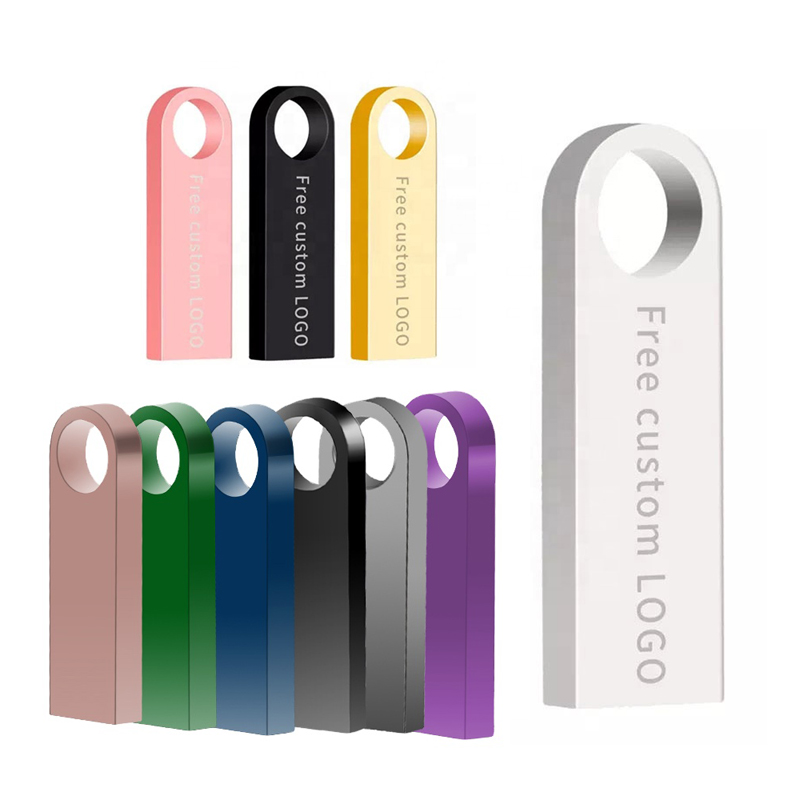
The safest capacity range for business gifts, onboarding kits, education, and corporate promotions.
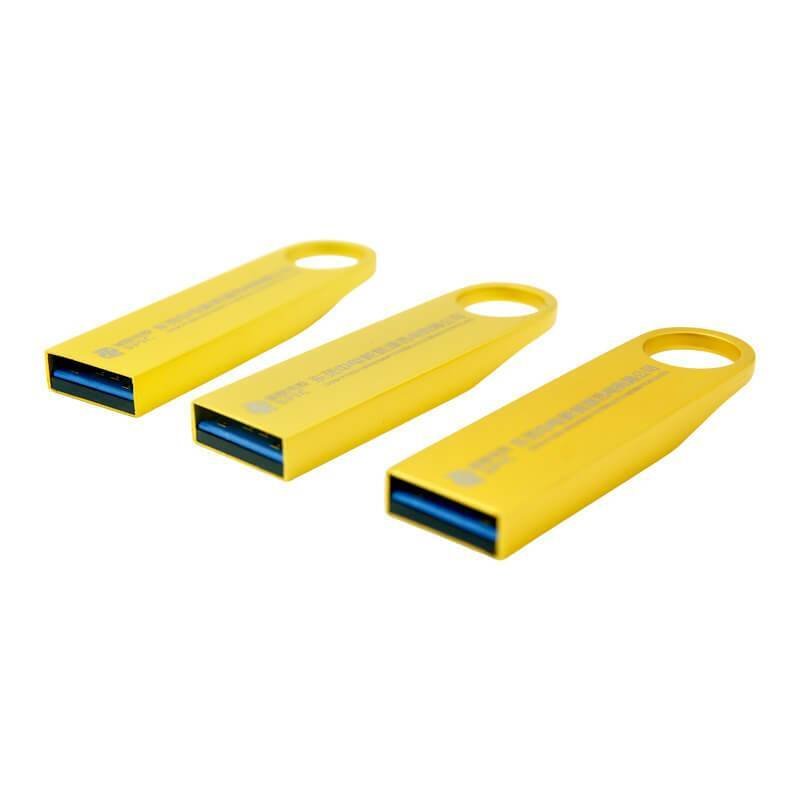
Recommended when you preload video, software packages, design files, course materials, or media libraries.

Premium storage, Sample approval
For high-value retail packs, photography, engineering, medical data transfer, or enterprise storage gifts.
Every capacity, with the space the user actually gets
| Capacity | Usable space shown | Typical preload | Interface | Typical order |
|---|---|---|---|---|
| 1GB | ≈ 0.93GB | Price list or one PDF catalog — about 190 files at 5MB each | USB 2.0 | Micro-budget handout |
| 2GB | ≈ 1.86GB | Brochure plus price list — about 380 files at 5MB each | USB 2.0 | Trade-show giveaway |
| 4GB | ≈ 3.72GB | Brand deck and photo set — about 470 photos at 8MB each | USB 2.0 | High-volume promo |
| 8GB | ≈ 7.45GB | Catalog, price list and campaign video — about 950 photos at 8MB each | USB 2.0 | Conference swag |
| 16GB | ≈ 14.9GB | Documents, images, brand media — about 1,900 photos at 8MB each | USB 2.0 / 3.0 | Corporate gift |
| 32GB | ≈ 29.8GB | Onboarding kit — about 3,800 photos at 8MB each | USB 2.0 / 3.0 | Business gift, education |
| 64GB | ≈ 59.6GB | HD video and course files — about 39 videos at 1.5GB each | USB 3.0 | Training / onboarding |
| 128GB | ≈ 119.2GB | Campaign assets, product demos — about 79 videos at 1.5GB each | USB 3.0 | Media delivery |
| 256GB | ≈ 238.4GB | Large media and engineering files — about 158 videos at 1.5GB each | USB 3.0 | Premium retail, professional |
| 512GB | ≈ 476.8GB | Backups and media libraries — about 317 videos at 1.5GB each | USB 3.0 | Professional storage |
| 1TB | ≈ 931GB | Archival and large project sets — about 620 videos at 1.5GB each | USB 3.0 | Enterprise storage gift |
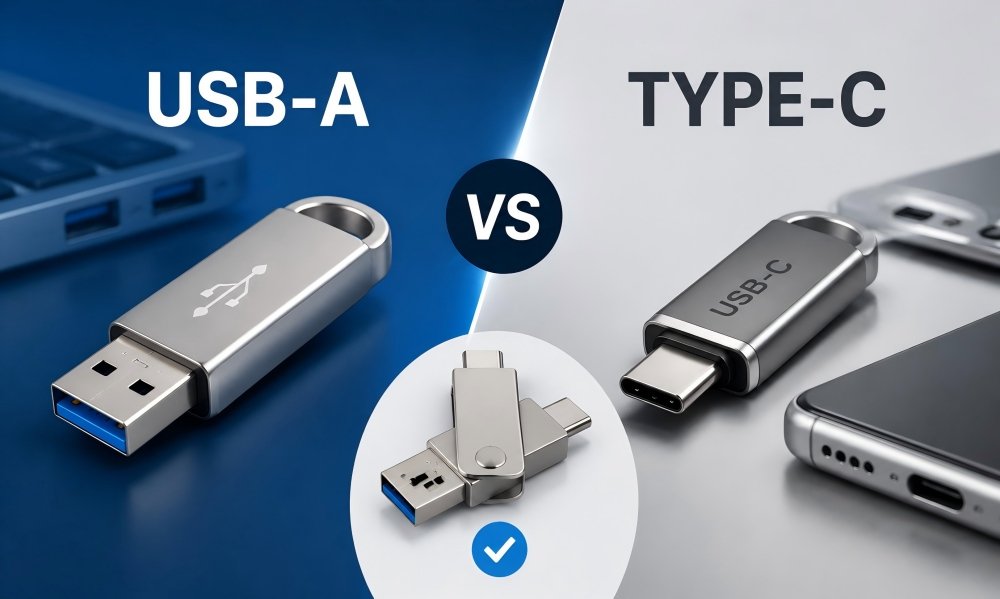
Example basis: PDF / document 5MB per file · photo 8MB per file · 10-minute 1080p video 1.5GB per file. Mixed content changes every count, so treat these as scale references, not fixed quantities.
Choose capacity by use case, not by guessing
| Use case | Recommended capacity | Typical files | Factory note |
|---|---|---|---|
| Trade show giveaway | 4GB – 8GB | PDF catalog, brochure, price list | Good for high-volume orders where unit cost is the priority. |
| Corporate gift | 16GB – 32GB | Documents, images, brand media | Most balanced choice for perceived value and availability. |
| Training or onboarding kit | 32GB – 64GB | Course files, videos, manuals | Consider USB 3.0 if users need faster transfer speed. |
| Video presentation or media delivery | 64GB – 128GB | HD video, campaign assets, product demos | Confirm final preload file size before production. |
| Premium retail or professional storage | 256GB – 1TB | Large media, backups, engineering files | Ask for chip testing and sample approval before mass order. |
Why a 32GB USB does not show exactly 32GB
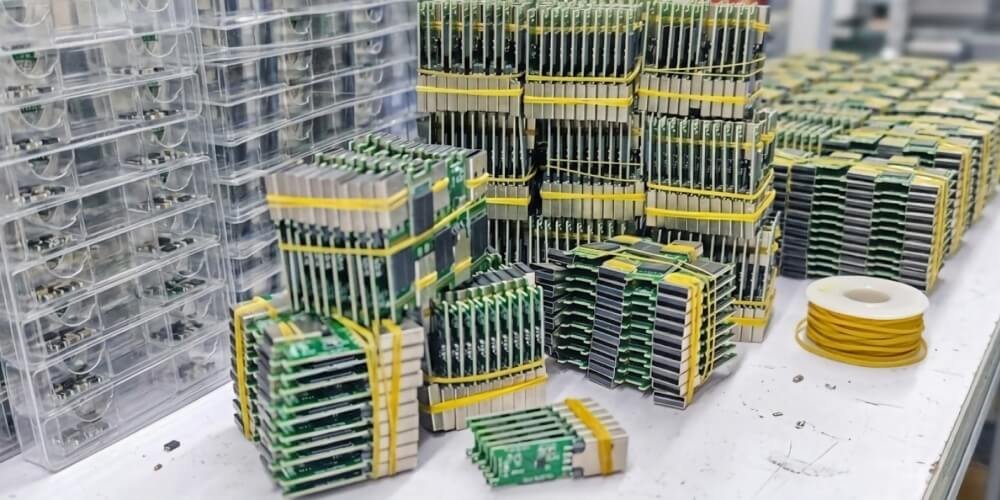
Decimal label, binary display
Formatting and file system
Preloaded content
≈ 29.8GiB. Apply the same division to any capacity and you should land within a few percent of what the operating system reports. | Nominal capacity | Approx. displayed capacity | Nominal capacity | Approx. displayed capacity |
|---|---|---|---|
| 8GB | About 7.45GB | 128GB | About 119.2GB |
| 16GB | About 14.9GB | 256GB | About 238.4GB |
| 32GB | About 29.8GB | 512GB | About 476.8GB |
| 64GB | About 59.6GB | 1TB | About 931GB |
Seven details give you a usable price
1 · Interface
2 · Capacity
3 · Quantity
4 · Shell and logo
5 · Preload
6 · Packaging
7 · Destination/date
Optional · Target price
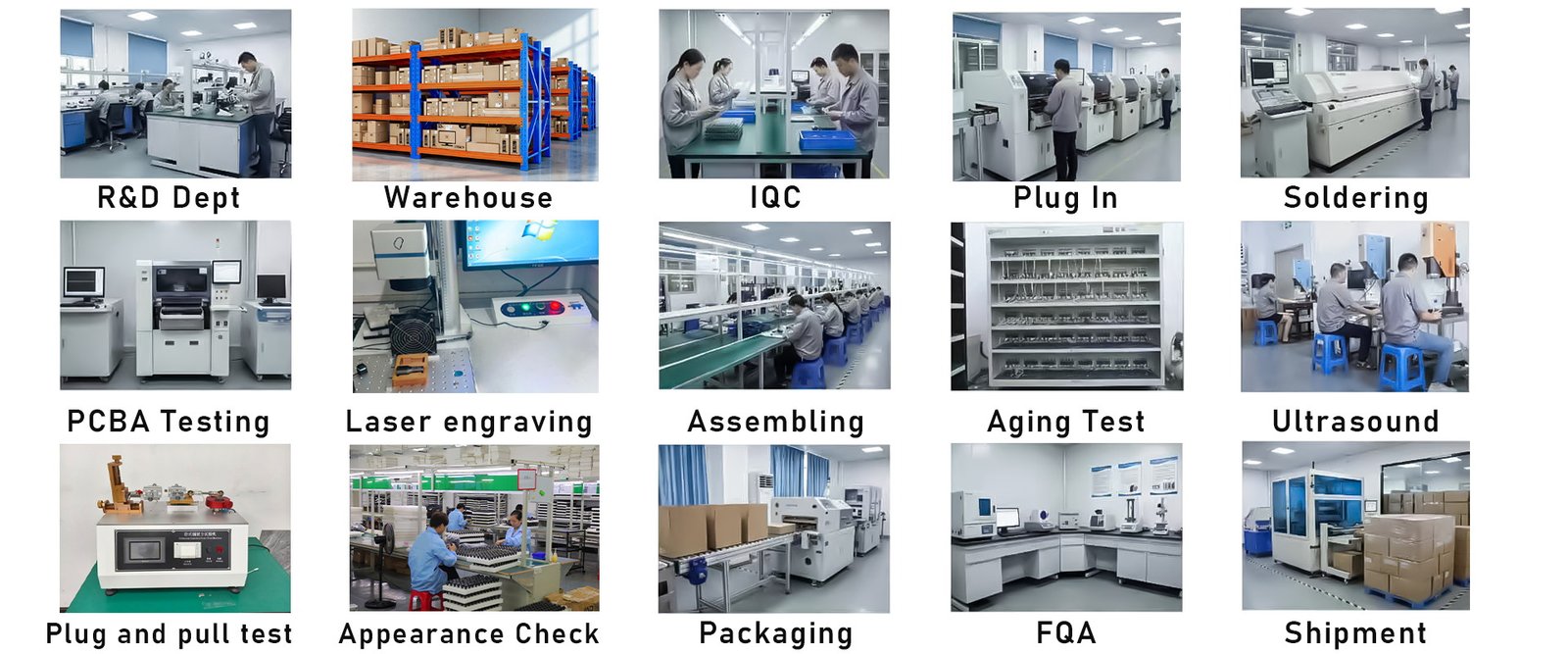
What YOUSAN checks before bulk production
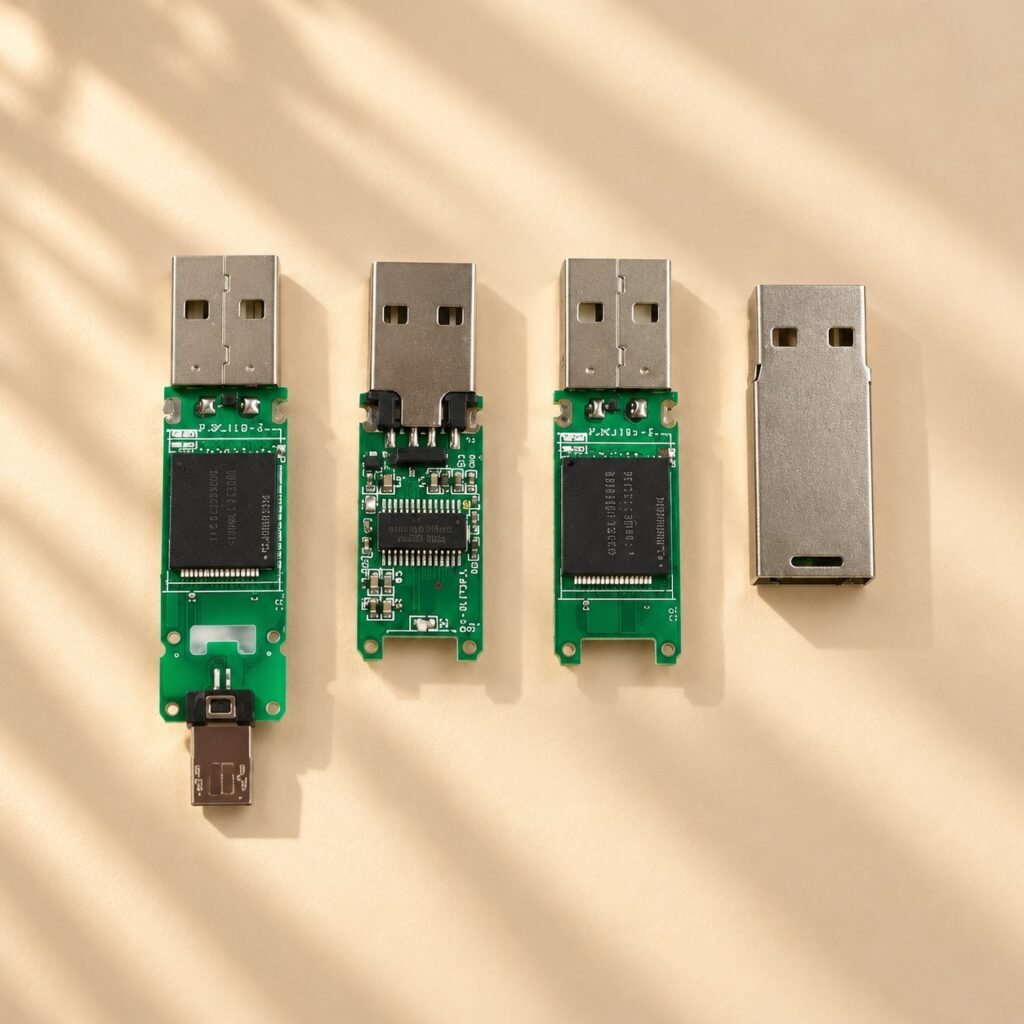
Capacity and chip matching
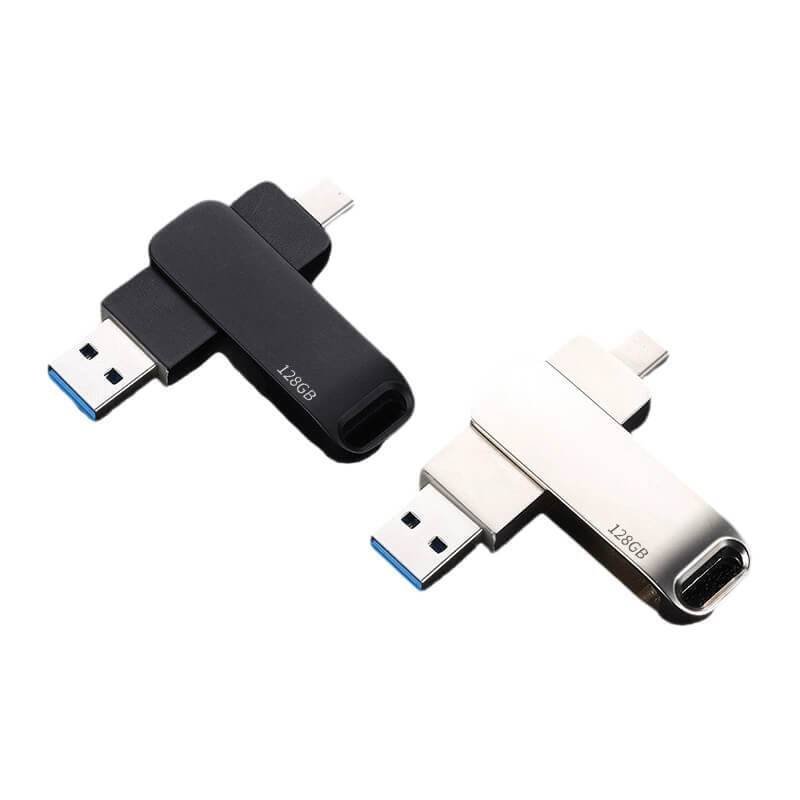
- USB 2.0 and USB 3.0 options
- Sample confirmation for large capacity
- Bulk inspection before shipment
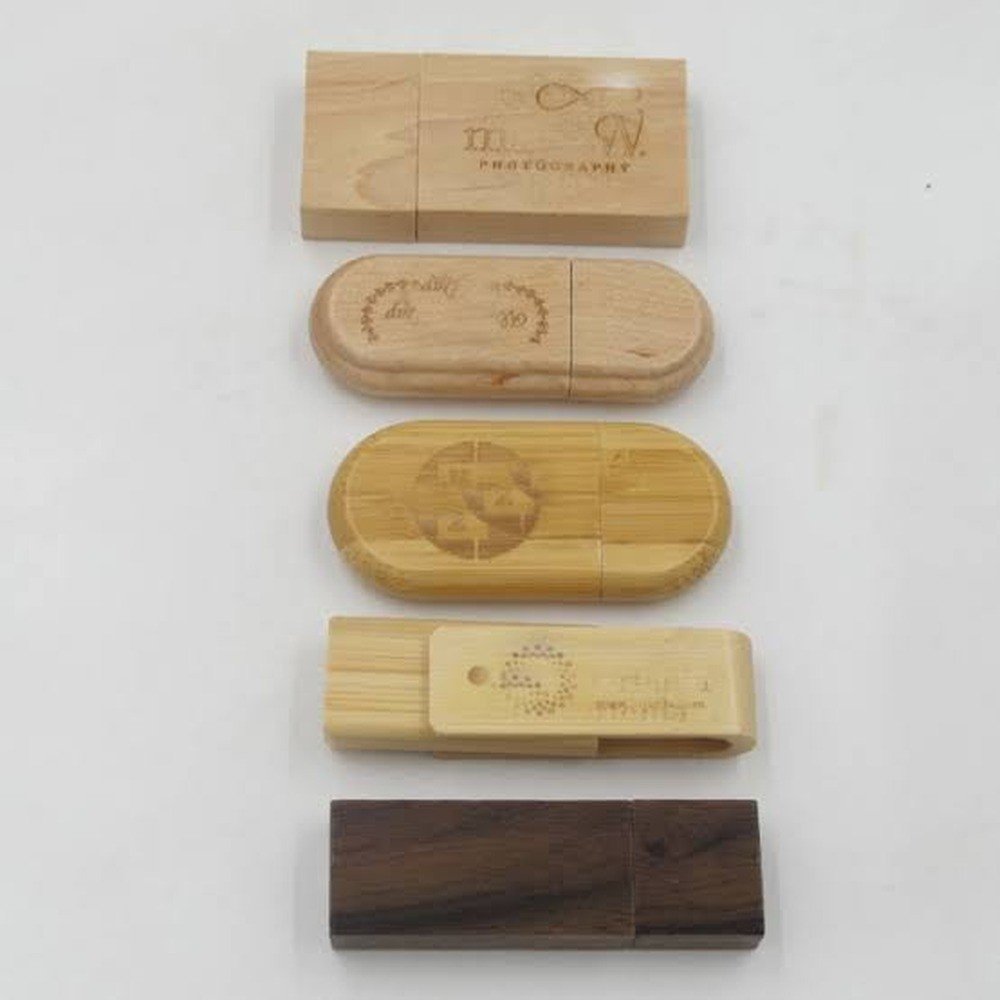
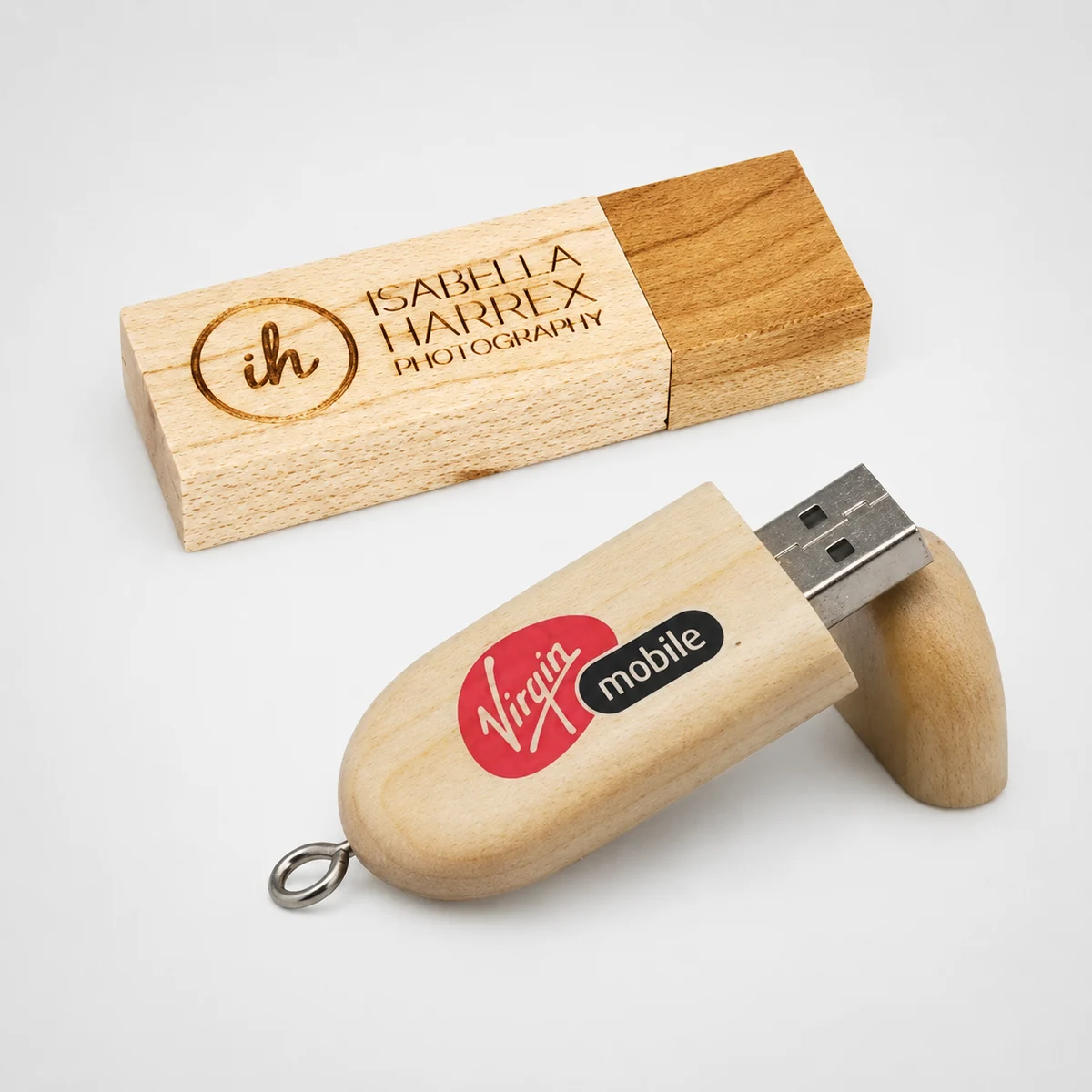
Logo and shell customization
- Printing, engraving, embossing
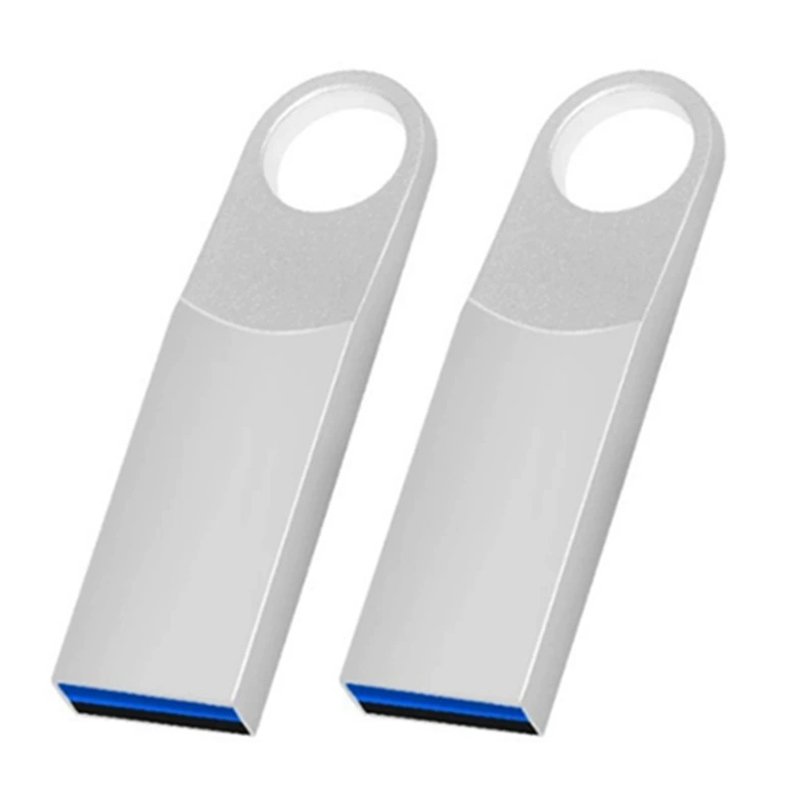
- Metal, wood, card, PVC, OTG
- Custom mold support
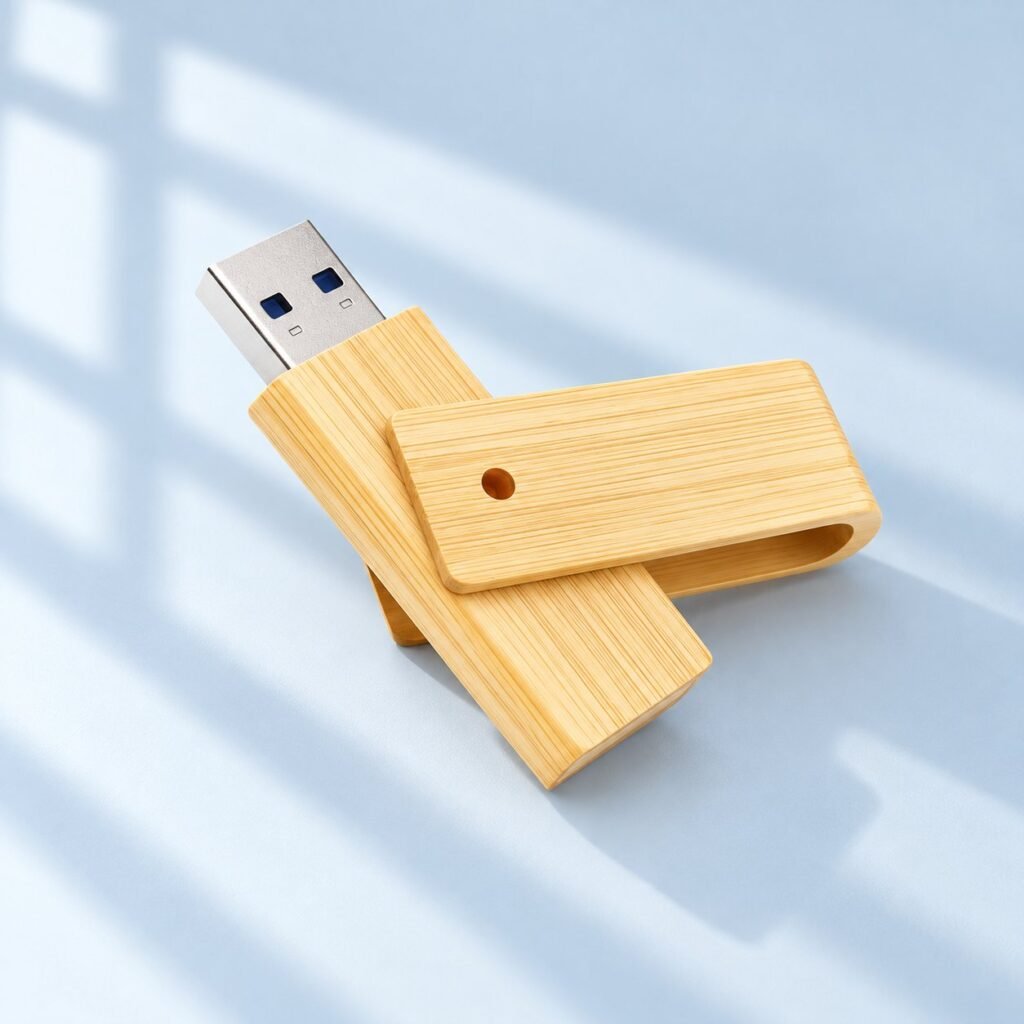
Preload and packaging
- Data preload service
- Gift box and card packaging
- Barcode or label support
 English
  Español de México
  Italiano
  Deutsch (Österreich)
  Русский
  Français
  Türkçe
  Bahasa Melayu